Harnessing the Power of Structured Dashboards for Enhanced Operations Results

In today’s fast-moving operational environments, managing processes effectively can make the difference between success and failure. One tool that stands out for improving operations management is the structured dashboard. These dashboards provide a clear, organized view of key performance indicators and operational data, enabling teams to make better decisions, respond quickly to issues, and communicate more efficiently. This post explores how structured dashboards enhance operations and positively impact quality, highlights their key benefits, and offers practical examples of effective dashboard designs and tools. By the end, you’ll have ideas to refine your own dashboard strategy and improve your operations.
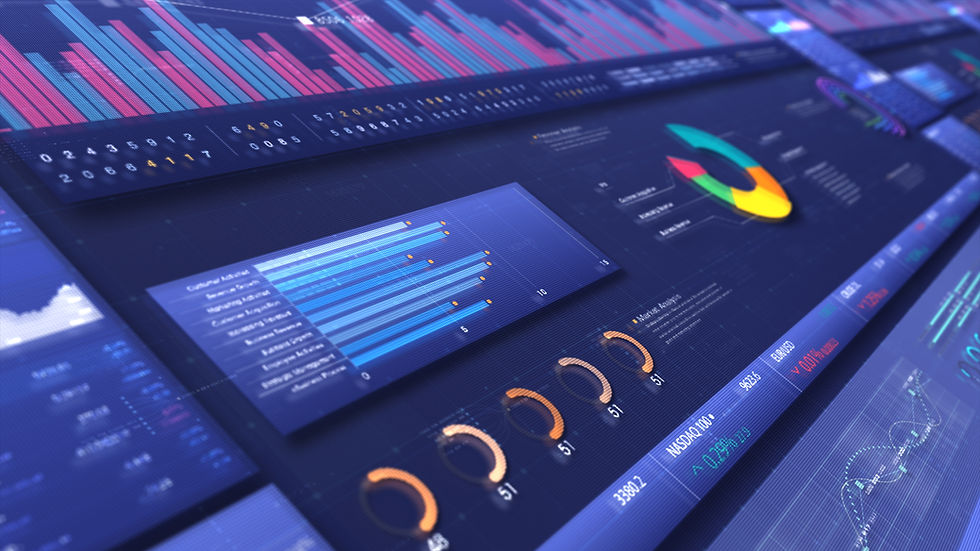
A dashboard with data graphs.
Why Structured Dashboards Matter in Operations Management
Operations management depends on timely, accurate information. Without it, teams struggle to identify problems, track progress, and maintain standards. Structured dashboards organize complex data into digestible visuals, making it easier to monitor results across processes.
Dashboards bring together data from multiple sources into one place. This integration reduces the time spent gathering information and increases the time available for analysis and action. When operations managers can see real-time data on defects, production rates, or customer feedback, they can spot trends and intervene before small issues become costly problems.
Key Benefits of Structured Dashboards
Improved Decision-Making
Dashboards present data clearly, helping decision-makers understand what is happening at a glance. Instead of sifting through spreadsheets or reports, managers see key metrics like production volume, equipment status, defect rates, cycle times, or compliance scores in one view. This clarity supports faster, more confident decisions.
Real-Time Data Visualization
Operations rarely stand still. Real-time dashboards update continuously, showing the latest data as it comes in. This immediacy allows teams to react quickly to any deviating outcome.
Streamlined Communication
Dashboards create a common language for teams by displaying the same data in a consistent format. This shared view reduces misunderstandings and aligns everyone on priorities, therefore this transparency fosters collaboration and speeds up problem-solving.
Examples of Effective Dashboard Designs
An effective dashboard balances detail with simplicity. It should highlight the most important metrics without overwhelming users. Here are some design principles and examples:
Clear hierarchy: Use size, color, and placement to emphasize critical data. For instance, place the most important indicators at the top or center.
Visual variety: Combine charts, gauges, and tables to present data in different ways. A line chart might show trends over time, while a gauge indicates current performance against a target.
Interactive elements: Filters and drill-down options let users explore data at different levels. A quality manager might start with overall defect rates and then drill down to specific product lines or shifts.
Consistent layout: Keep the design uniform across dashboards to reduce cognitive load. Users should know where to find information quickly.
Real-World Example: Manufacturing Dashboard
A manufacturing company uses a dashboard that displays:
Defect rate by product line (bar chart)
Production volume vs. target (gauge)
WIP volumes (Gauge)
Equipment Status and downtime (gauge)
Alerts for any quality incidents (highlighted notifications)
This dashboard updates every 30 seconds and is also accessible on tablets across the factory floor, enabling supervisors to monitor results continuously.
Real-World Example: Service Dashboard
A call center dashboard includes:
Average call handling time (numeric display)
Customer satisfaction score (color-coded gauge)
Number of calls handled per agent (bar chart)
Real-time alerts for dropped calls or complaints
Supervisors use this dashboard to balance workloads and coach agents, improving overall service quality.
Popular Tools for Building Structured Dashboards
Several tools make it easier to create and maintain dashboards tailored to operations management needs:
Tableau: Known for its powerful visualization capabilities and user-friendly interface.
Power BI: Integrates well with Microsoft products and offers strong data modeling features.
Google Data Studio: A free option that connects easily to Google Sheets and other data sources.
Klipfolio: Focuses on real-time dashboards with customizable widgets.
Qlik Sense: Offers associative data models that help uncover hidden insights.
Choosing the right tool depends on your data sources, budget, and the technical skills of your team.
How to Build Your Own Dashboard Strategy
Start by identifying the key metrics that matter most to your operations. These could include volume, equipemnt status, defect rates, cycle times, customer complaints, or compliance scores. Next, consider who will use the dashboard and what decisions they need to make.
Keep these tips in mind:
Focus on clarity and relevance. Avoid cluttering the dashboard with too many metrics.
Update data frequently enough to support timely decisions.
Train users to interpret the dashboard correctly and encourage feedback to improve it.
Review and adjust your dashboard regularly as your operations and goals evolve.
By investing time in a well-structured dashboard, you create a tool that supports continuous improvement and operational excellence.
Structured dashboards transform raw data into clear, actionable insights. They improve decision-making, provide real-time visibility, and foster better communication across teams. Whether you operate in manufacturing, service, or any other field, a well-designed dashboard can help you maintain high operational and quality standards and respond quickly to challenges.


Comments